

Google published its own data on this: businesses with photos receive 42% more requests for directions and 35% more website clicks than businesses without photos. Those aren't marginal improvements — they're the difference between a profile that converts and one that doesn't.
Photos signal activity, legitimacy, and quality before a single review is read. Here's how to do this well.
Why Photos Matter for Review Profiles Specifically
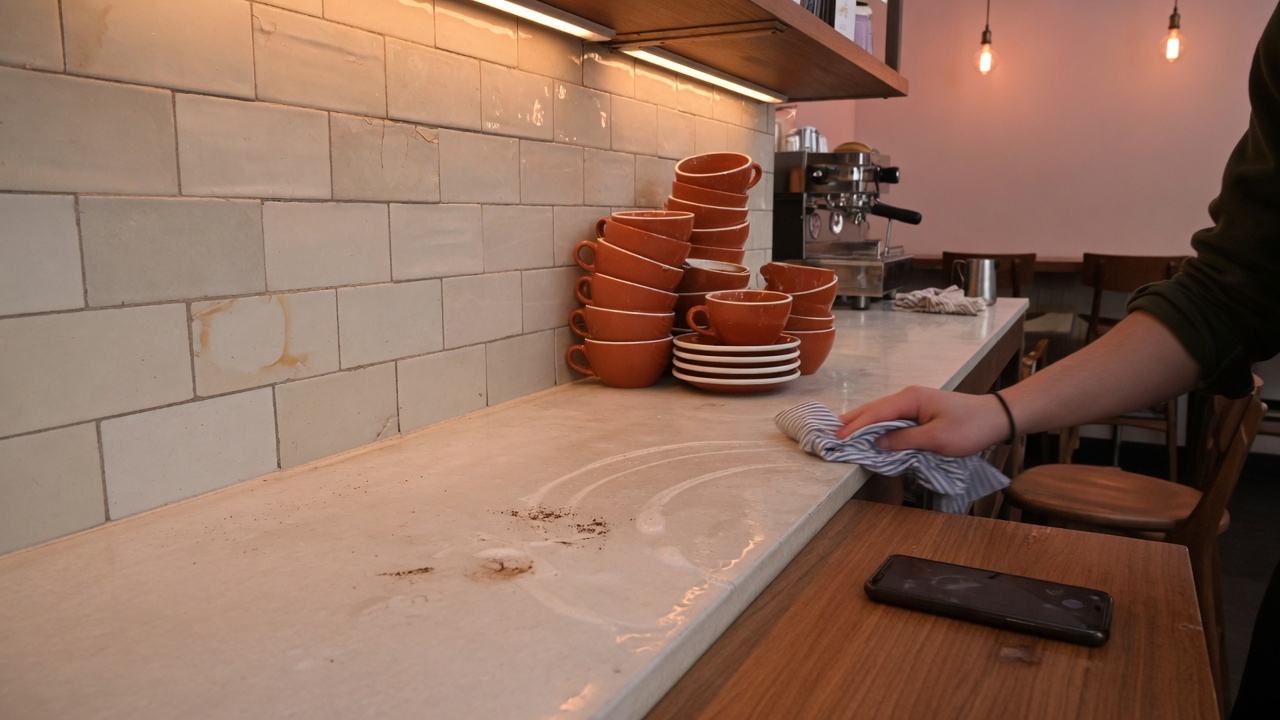
Beyond the click and direction data, photos interact with your review profile in two important ways.
First, Google weights profile completeness when determining local search ranking. A fully built profile — including a healthy photo count and recent uploads — signals an active business. This directly influences where you appear in map pack results.
Second, photos provide the visual context that makes reviews believable. A reviewer saying "the space is beautiful and welcoming" lands differently when there's an actual photo of the space to validate it. Visuals and reviews reinforce each other.
Customer Photos vs. Business-Uploaded Photos
Both matter, but they serve different trust purposes.
Business-uploaded photos communicate what you want customers to see: your best work, your clean facility, your team, your products. These set expectations and show professionalism.
Customer photos are more trusted by prospective customers because they're unfiltered. A customer photo of your food, even if slightly blurry, often converts better than a professional shoot because it's authentic. It also signals genuine customer engagement with your business.
The goal is to have both. Don't try to control the customer photo narrative — just make sure your business-uploaded photos are good enough to set the right baseline.
The Photo Categories That Matter Most
Not all photo slots carry equal weight. Priority order for most local businesses:
1. Exterior Photos
This is often the first thing a customer checks when they're navigating to you. A clear exterior photo showing the entrance, signage, and parking area reduces confusion and friction. Include photos at different times of day if your business is open evenings.
2. Interior Photos
Show the actual space people will be walking into. For restaurants: the dining area. For salons: the styling floor. For medical offices: the waiting room. Customers want to know what they're walking into before they arrive — it reduces anxiety and increases follow-through.
3. Products or Work Samples
Restaurants need food photos. Contractors need before/after project photos. Salons need portfolio shots. Whatever represents the output of your service, show it. These photos are often the decision-maker.
4. Team Photos
Photos of your actual team — not stock photos — build human connection. Customers are making a decision to trust people, not just a business. Show the people they'll be interacting with.
5. At-Work Photos
Candid photos of your team doing the work (kitchen in action, technician on a job, stylist with a client) signal authenticity and competence. These convert well.
Recommended Posting Frequency
Google rewards recent activity. A profile that received its last photo upload 18 months ago looks dormant. A target cadence:
- New businesses: upload 15–20 photos at launch across all categories
- Established businesses: add 2–4 new photos per month minimum
- After significant changes (renovation, new menu, new team members): update photos immediately
Monthly photos don't need to be elaborate. A quick team photo, a shot of a completed project, a seasonal menu item. Consistency over perfection.
Encouraging Customer Photo Reviews
Customers don't naturally think to add photos when they leave a review. You can change that with a specific ask.
What works:
- After a service completion: "If you share a photo of result along with your review, other customers love seeing the work."
- In follow-up emails: "If you have photos from your visit, adding them to your Google review helps others know what to expect."
- Signage near photogenic areas: "Instagram-worthy spots" markers or "Share your experience" signs near your best visual assets
Don't over-engineer this. A simple, genuine ask at the right moment produces customer photos without requiring a formal program.
Photo Quality Standards: What Helps vs. Hurts
Photos that help:
- Bright, natural lighting
- Clean, uncluttered backgrounds
- Actual content visible (real food, real results, real space)
- People shown with authentic expressions
Photos that hurt:
- Dark, grainy, or blurry images
- Outdated photos showing a space that no longer looks like that
- Stock photography (customers can tell)
- Empty rooms that look sterile or abandoned
You don't need a professional photographer for every upload. A modern smartphone with decent lighting produces photos that work perfectly well for Google Business Profile. The bar is "looks like a real, active, quality business" — not "looks like a glossy magazine spread."
Laudy helps you build the complete review profile — consistent reviews, fast responses, and tools to keep your presence active and competitive. Get started at /signup.