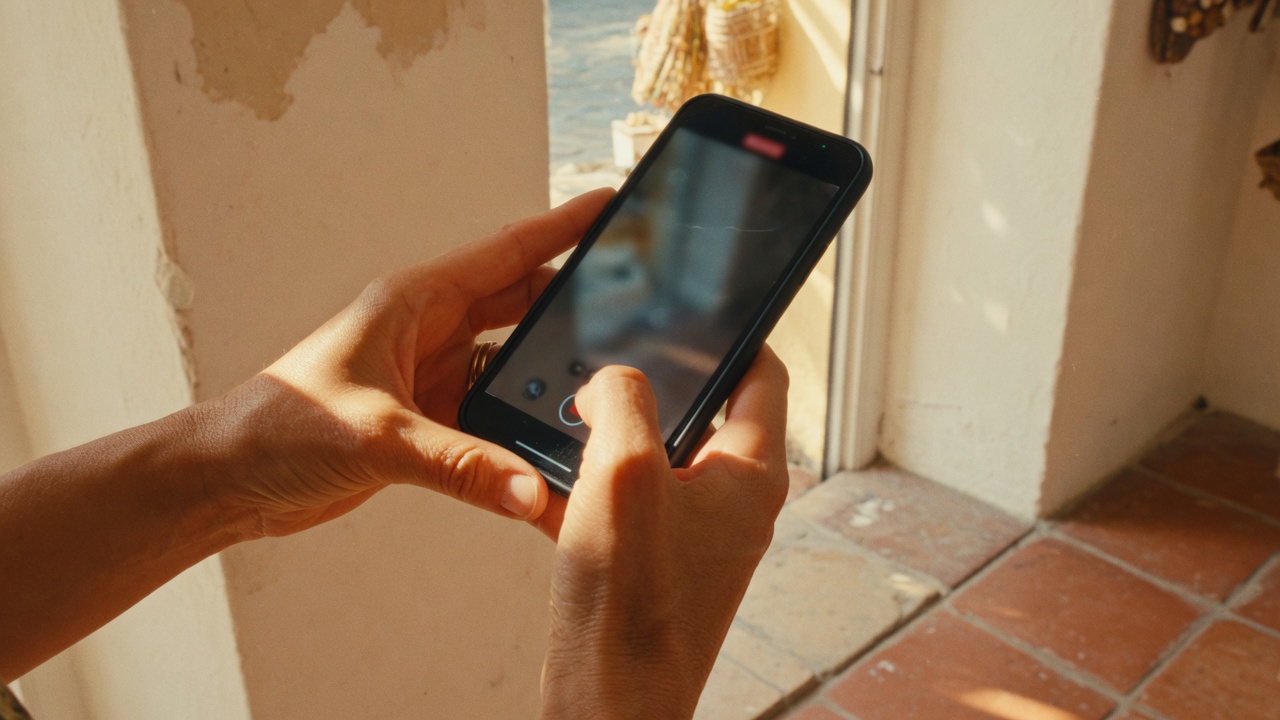

Standard review collection workflows are designed for a specific type of customer: someone with a smartphone, a Google account, reliable mobile data, and the digital literacy to follow a link and complete a form. That describes a lot of customers. It doesn't describe all of them.
For many businesses — healthcare practices, senior services, trades and contractors, and businesses in lower-income or rural markets — a significant portion of their customer base faces real barriers to standard review collection methods. Those customers' experiences deserve to be documented too, and overcoming those barriers is good for your review profile.
Common Accessibility Barriers in Standard Review Flows
Visual impairment: Small text on review request emails, low-contrast review landing pages, and navigation flows that aren't screen reader-compatible create barriers for customers with low vision or blindness.
Cognitive challenges: Customers with cognitive disabilities, dementia, or traumatic brain injuries may struggle with multi-step review processes, ambiguous instructions, or platforms that require remembering login credentials.
Limited digital literacy: Older adults who aren't comfortable with smartphones, customers who primarily use desktop computers, and people who have low familiarity with Google accounts may find even a simple review link confusing.
Older or lower-end devices: Small screens, slow processors, and outdated browsers can make review forms difficult to navigate or use. Some customers will abandon the process not because they don't want to leave a review but because the experience breaks on their device.
Connectivity issues: Customers in rural areas or those on limited data plans may have difficulty completing a review over mobile data if the destination is slow-loading or requires uploading photos.
Large-Print and Simplified Review Cards
For in-person businesses, a physical handout is one of the most accessible review collection tools available. A well-designed card:
- Uses large, readable font (minimum 14pt, 16pt or 18pt better for senior audiences)
- Has high contrast (dark text on white or very light background)
- Shows the URL in plain text (not just a QR code) for customers who can type but don't use a QR scanner
- Includes a QR code for customers who prefer it
- Has simple, direct instructions in 2–3 steps maximum: "1. Open camera on your phone. 2. Point it at the code below. 3. Tap the link to leave a review."
For businesses serving older adults or customers with lower digital literacy, including a note that staff are happy to help is valuable. Remove the social barrier to asking for assistance.
Google's Voice Review Support
Google Maps and Google Search support voice interaction on Android devices through Google Assistant. A customer who says "OK Google, leave a review for Business" can initiate and dictate a review using voice alone.
This significantly lowers the barrier for customers with motor difficulties, vision impairment, or low typing proficiency. It's worth noting in your review request materials for audiences where this matters:
"You can also leave a review by voice — just say 'Hey Google, leave a review for Business Name' on your Android phone."
Simple addition, meaningful for a segment of customers who would otherwise not be able to participate.
The In-Person Assisted Review Process
For businesses where digital barriers are significant — senior care facilities, medical practices, businesses in low-digital-literacy communities — an in-person assisted review process is worth building into the service flow.
What this looks like in practice:
A staff member approaches a customer who has just had a positive experience and says: "If you're happy with your visit today, would you be willing to share a quick review? I can help you do it right now on tablet/phone if you'd like."
The staff member opens the review form, hands the device to the customer, and steps back to give them privacy. If the customer needs help, they guide them through the steps.
This process:
- Eliminates the digital-literacy barrier (the staff member handles the navigation)
- Creates a personal, warm ask that converts well
- Captures experiences from customers who would never complete an automated email follow-up
- Takes 3–5 minutes per customer
For practices where a significant portion of the customer base is older or less digitally comfortable, this in-person process often produces the most authentic and high-quality reviews.
ADA Considerations for Physical QR Code Placement
If you're using QR codes on signage, menus, or displays as review collection prompts, placement and accessibility matter:
- Place QR codes at a height accessible to wheelchair users (ideally 15–48 inches from the floor, per ADA guidelines for interactive elements)
- Ensure adequate lighting on physical review prompts — a dark corner QR code is not useful
- Provide alternative text access alongside QR codes (a short URL that customers can type manually)
- For outdoor signage, consider visibility in different lighting conditions and weather
These are simple adjustments that don't affect customers without access needs while removing barriers for those who have them.
The Business Case for Accessibility
Beyond the ethics of inclusive design, there's a direct business case: you're leaving reviews on the table.
If some of your customers face significant barriers to your current review collection methods, those are experiences that never get documented. Some of those customers have been coming to you for years. Their reviews, if they could leave them, would be among your most detailed and loyal.
An accessible review collection process captures a broader cross-section of your actual customer experiences. That makes your review profile more representative, more diverse, and more complete.
Laudy helps you design review collection workflows that work for all your customers — across digital, SMS, and in-person channels. Start collecting more reviews at /signup.